Anushka von Oppen of Core Equine Biomechanics in Melbourne has been testing the new feature:
“When working in areas with poor connectivity, being able to choose on-phone processing means results can be available much faster than previously, which is a real advantage when using Sleip out in the field.”
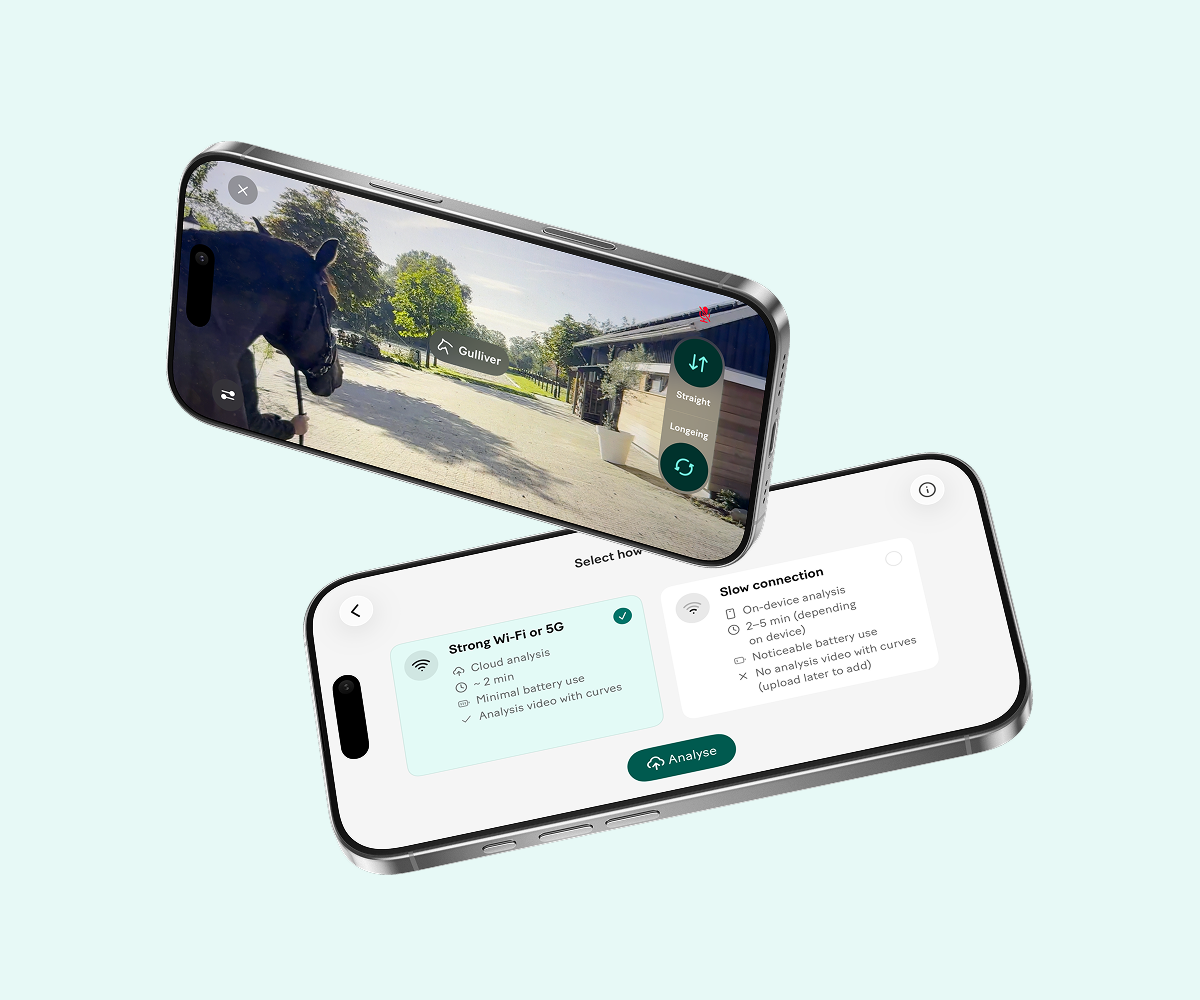
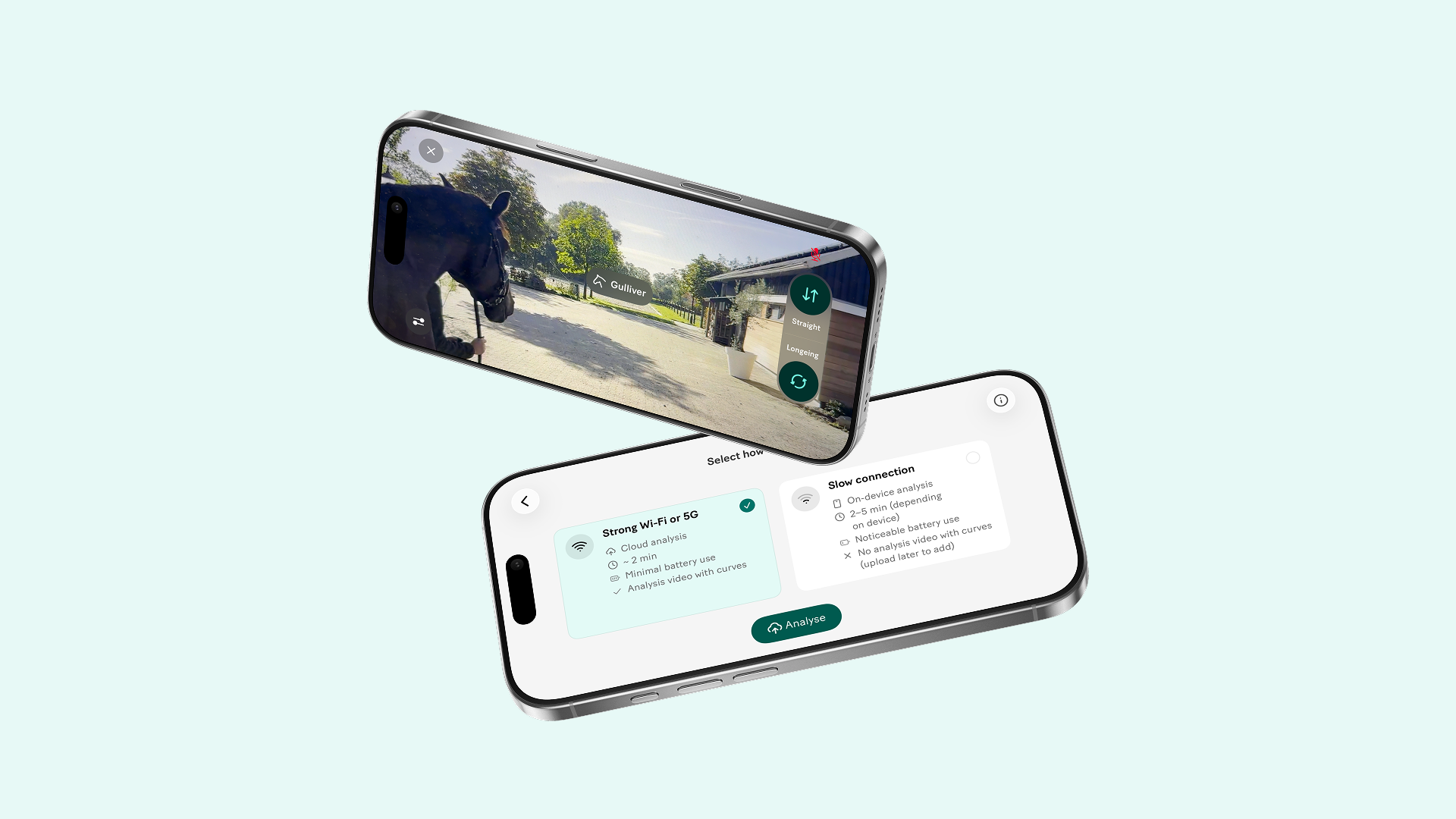
When processing a recording on-device, the analysis results become available in the Summary tab oncethe analysis is complete. Your original video remains available in the Videotab. The slow-motion analysis video with synchronised stride curves only becomes available once the recording is uploaded and processed in the cloud.
On-device analysis requires iPhone 13 Proor newer running iOS 26 or later. For frequent use, we recommend iPhone15 Pro or newer.
Some connectivity is still required, so on-device analysis is designed for limited rather than fully offline use. When you have a good internet connection, cloud processing is recommended. It is usually faster and uses fewer resources on your device, reducing heat, battery use and processing load.
Explore the refreshed app, updated recording workflow and other new features on our What’s new page.
Use on-device analysis when your connection is poor or unstable and you need the asymmetry results without waiting for a stronger connection. When you have strong Wi-Fi or 5G, we recommend using cloud analysis. It is usually faster and places less demand on your phone.
No. Some connectivity is still required, so on-device analysis is designed for limited rather than completely unavailable connectivity.
You get the full asymmetry data from the analysis and your original video is available straight away in the Video tab. The slow-motion analysis video with synchronised stride curves becomes available after the recording is uploaded and processed in the cloud.
Sleip useshigh-frame-rate video for its analysis video. Processing this in the cloud reduces the demand on your device, helping to limit heat, battery use and processing load.
On-device analysis requires an iPhone 13 Pro or newer running on OS 26 or later. For frequent on-device analysis, we recommend iPhone 15 Pro or newer for the best experience.
On newer supported Pro models, analysis can continue in the background while you make another recording. On some older eligible devices, processing may pause while a new recording is being made.
On-device analysis uses more of your phone’s processing power than cloud analysis, so the phone may become warm. If the phone reaches its thermal limit, processing may pause automatically and resume once the phone has cooled. If your phone becomes hot, remove the case, stop charging, reduce screen brightness and keep it out of direct sunlight.
On iPhone 15 Pro and newer Pro models, analysis can continue in the background while you make another recording. On some older eligible devices, analysis may pause while a new recording is being made to protect recording quality.
Use cloud analysis when you have strong Wi-Fi or 5G. It is usually the fastest and easiest option.
Use on-device analysis when connectivity is limited and you need the asymmetry data before you can upload the recording.
You can set your preferred option as the default under Settings > Analysis mode. Choose either Cloud analysis or On-device analysis. Your default is preselected when you analyse a recording, but you can still choose a different mode for an individual recording when needed.