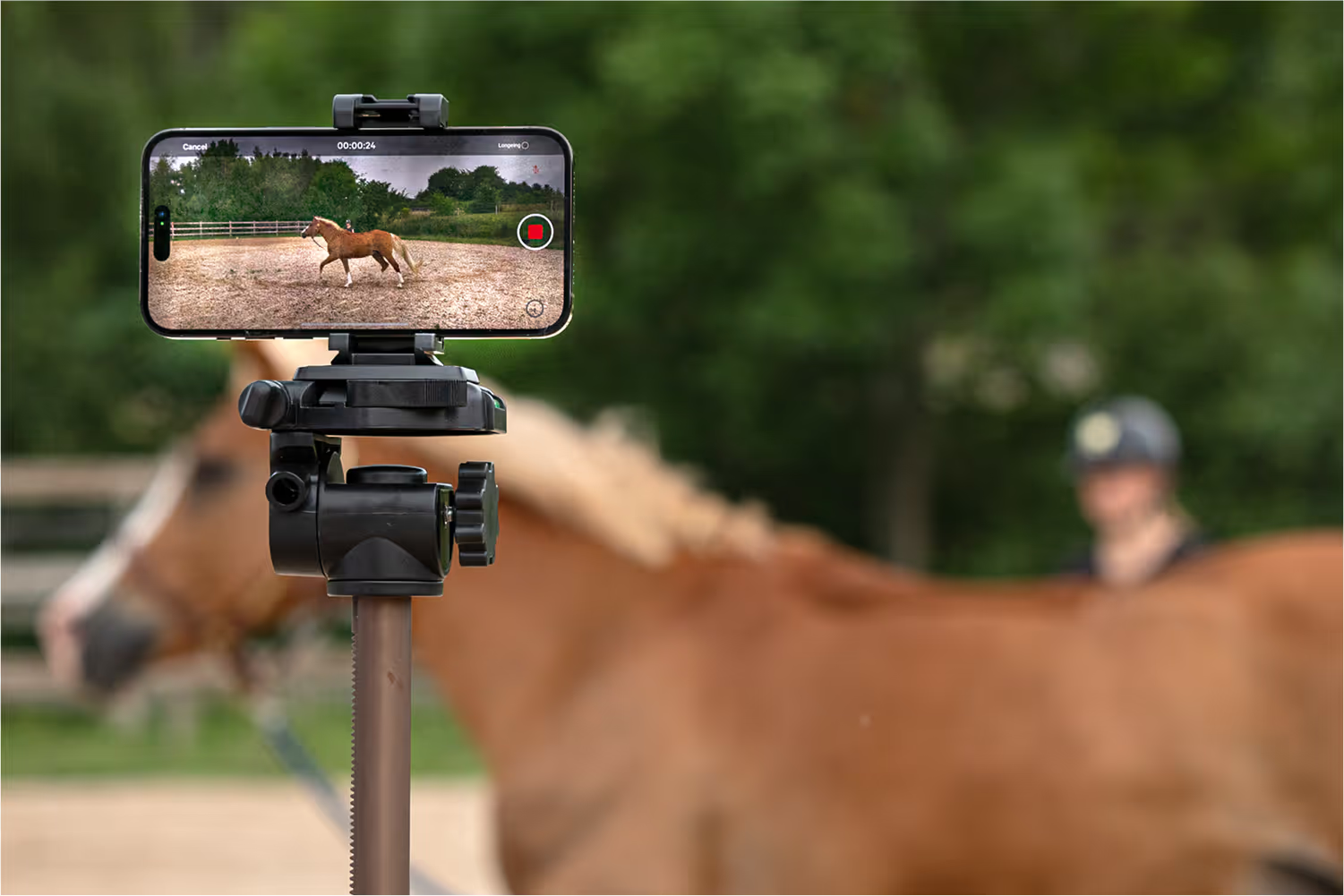
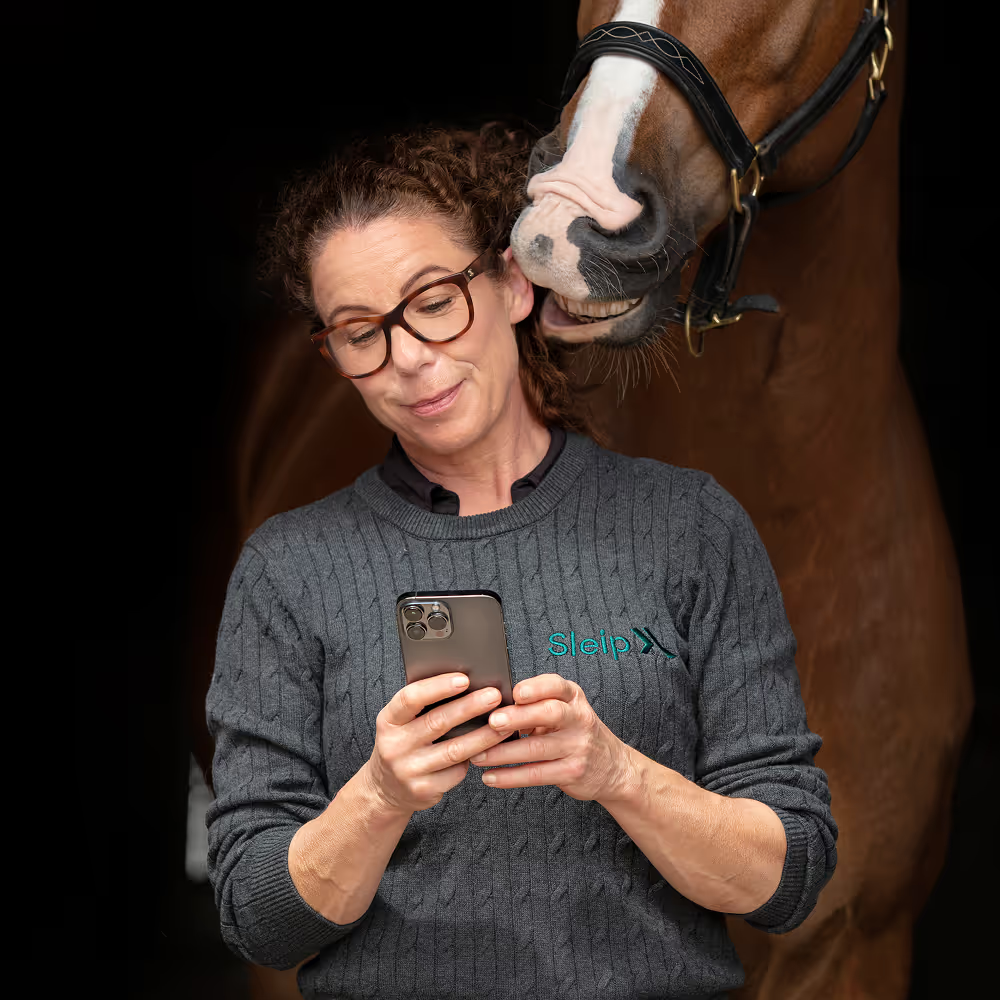
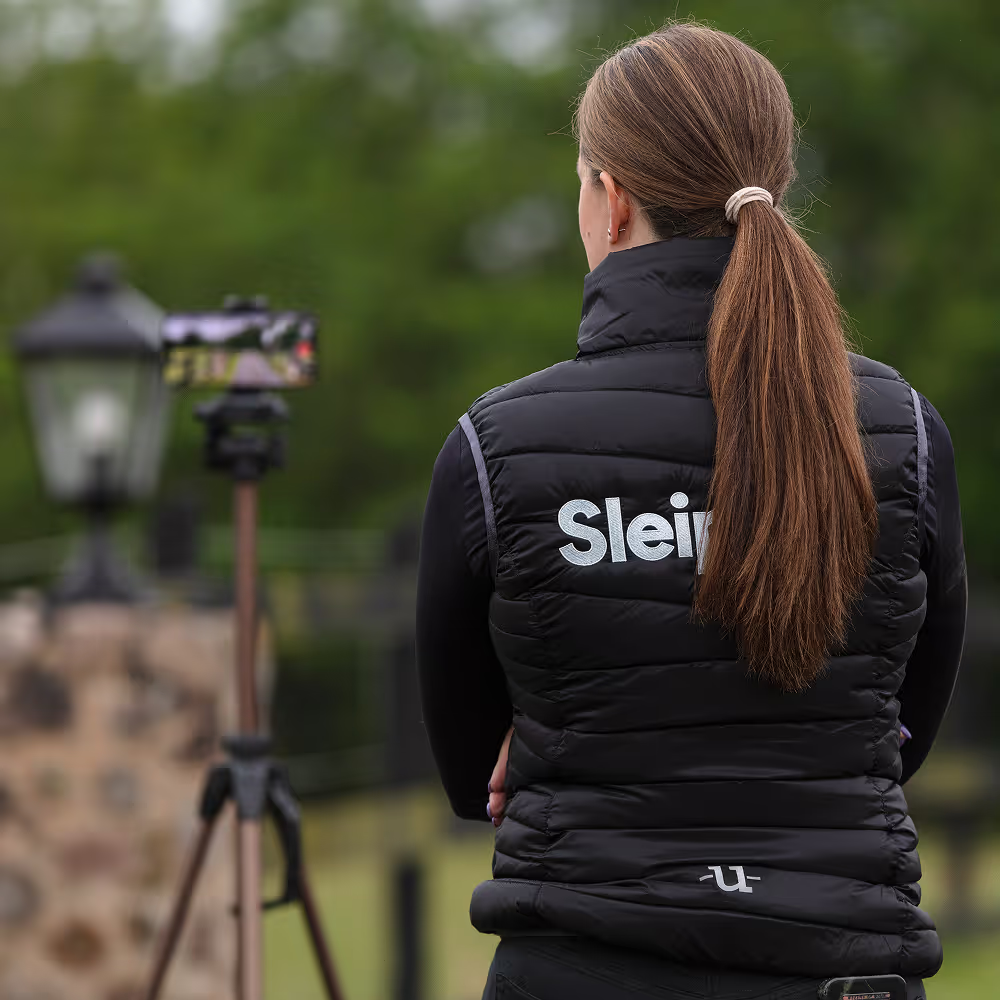
Record straight-line or longeing trot with your iPhone. Choose the recording type directly in the camera view, switch horses without leaving the camera, and keep working smoothly across multiple horses.
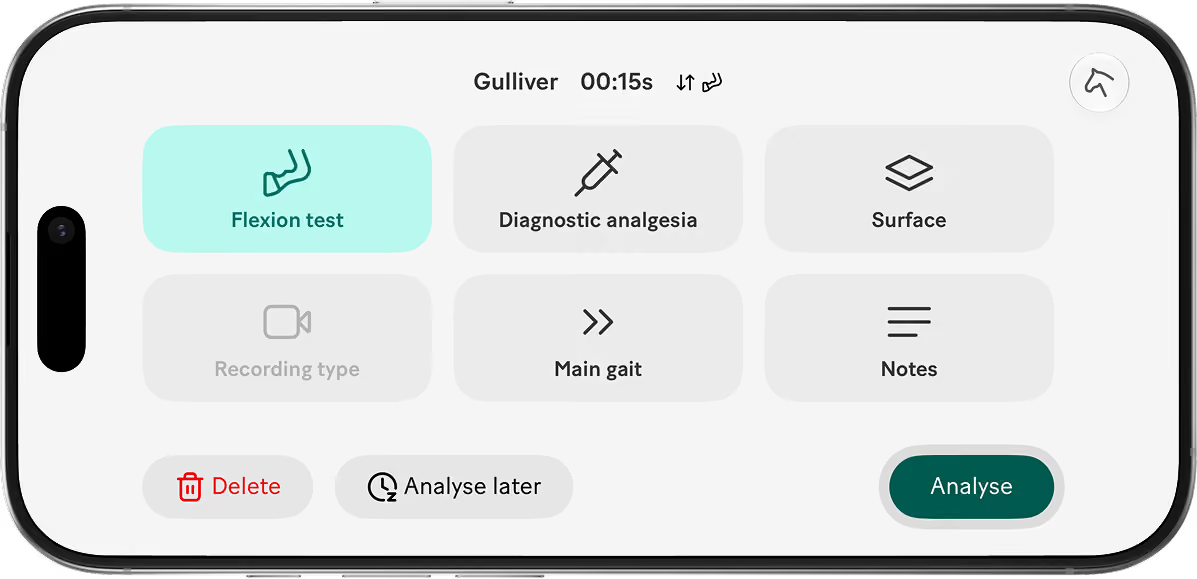
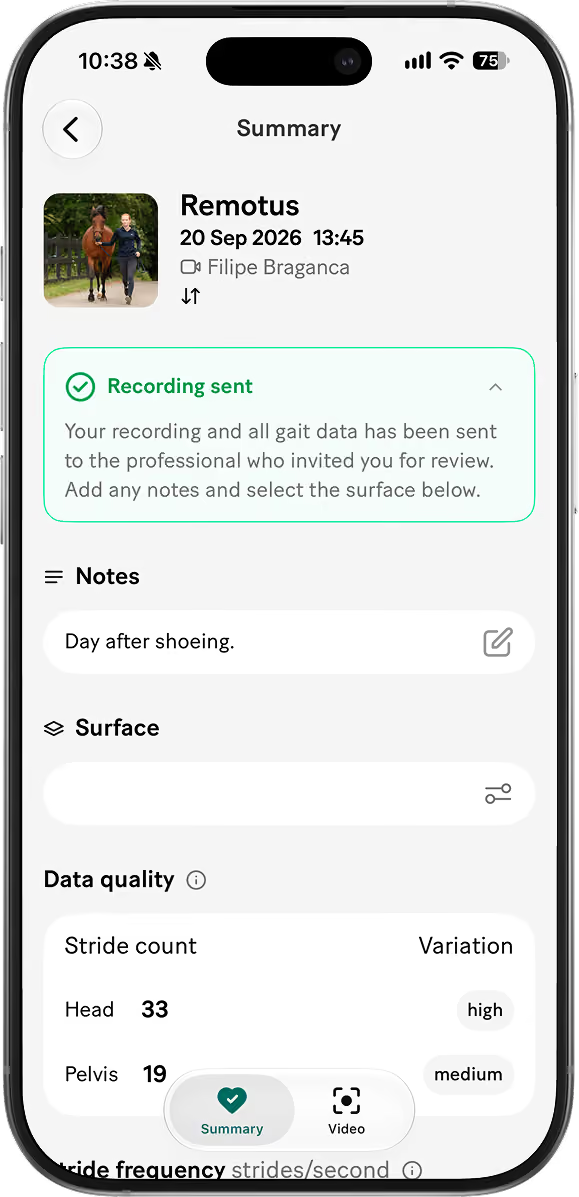
Keep the clinical context with the recording. Add notes, surface, recording type and clinical details, including flexion tests and diagnostic analgesia, before or after recording. Then analyse when you’re ready.
Get analysis results
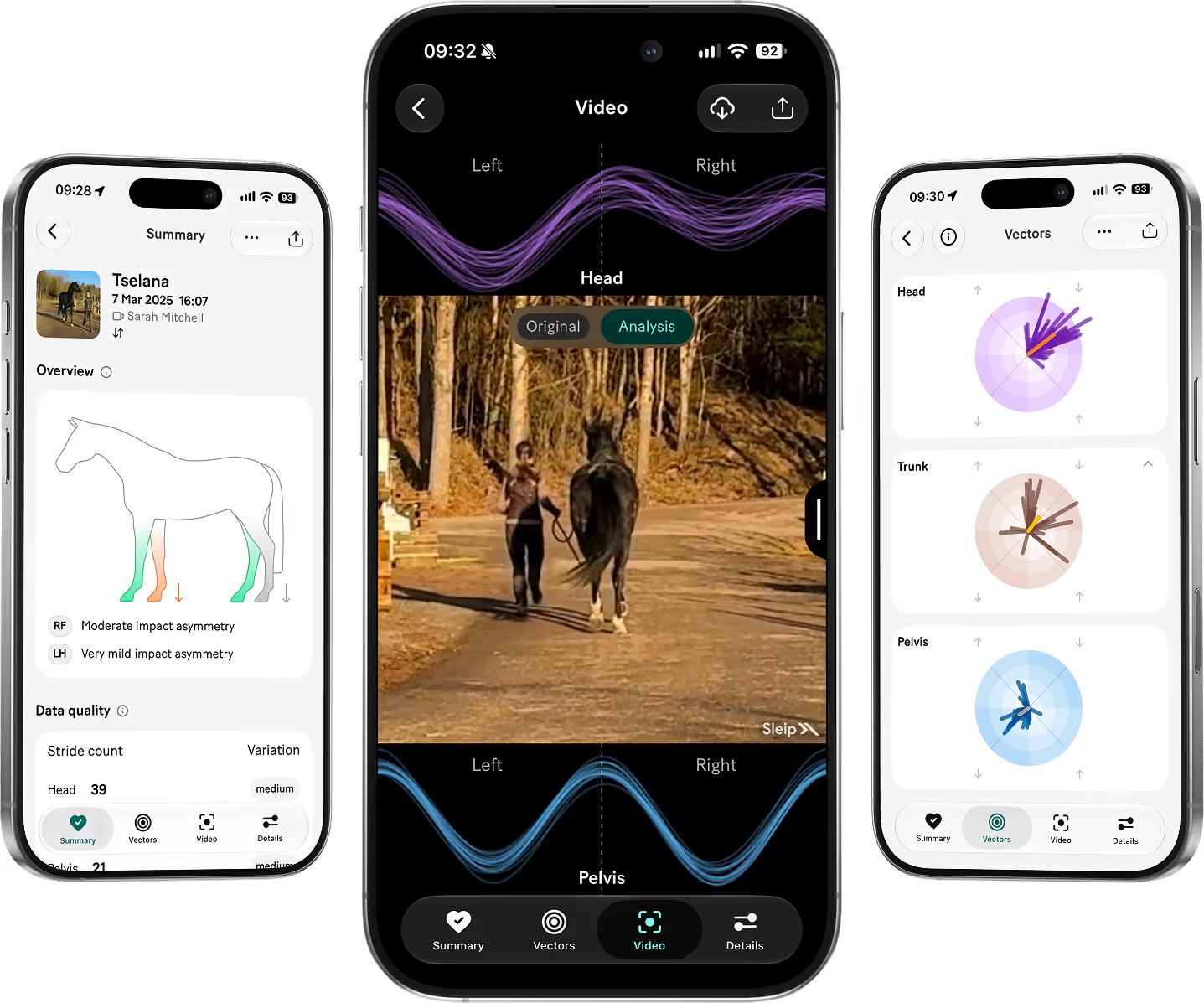
See stride frequency, data quality and asymmetry for the head, trunk and pelvis, presented in summary views, vectors and video. Compare recordings and use Trends to follow asymmetry over time.
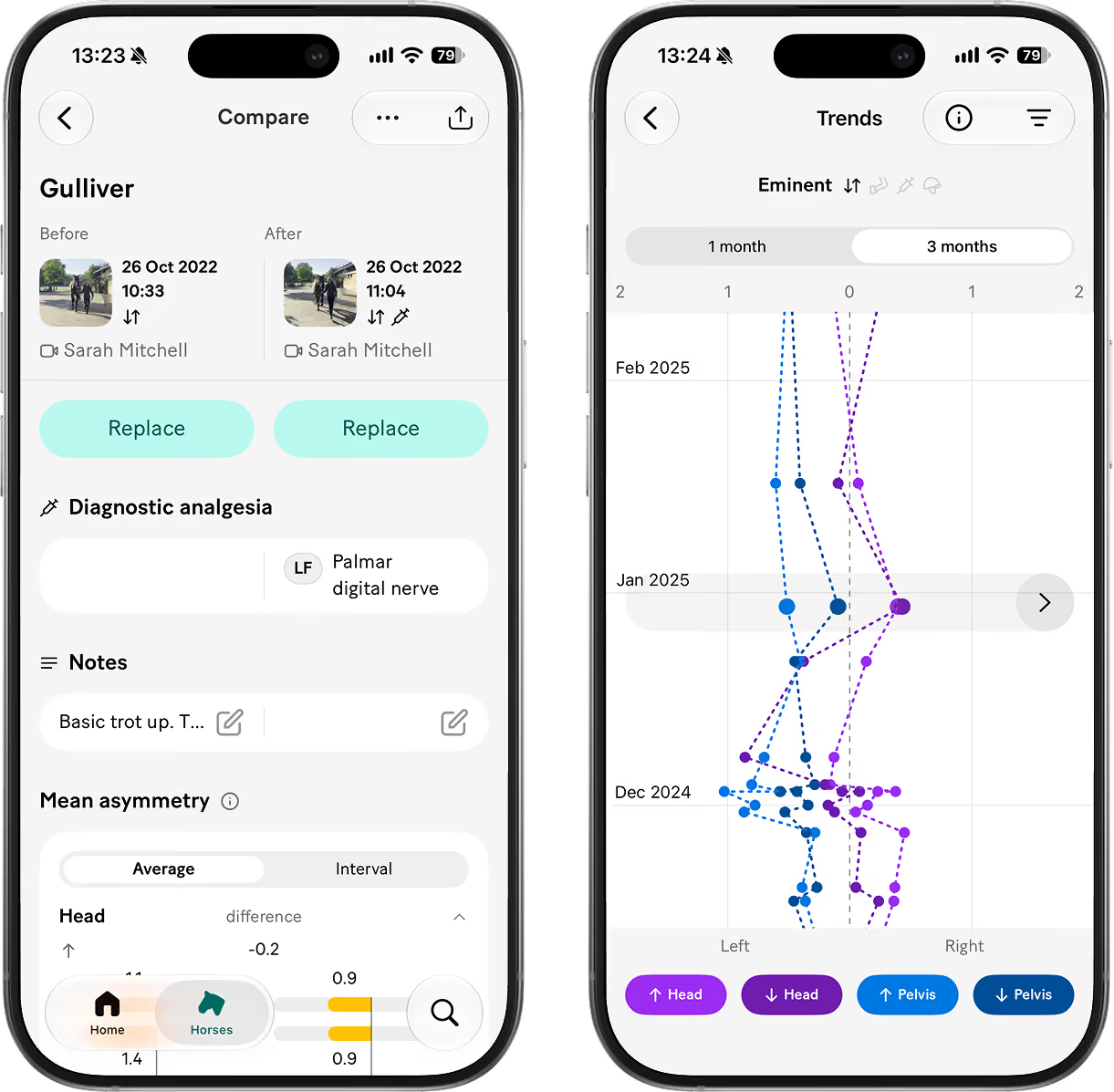
Compare two recordings side by side or use Trends to monitor asymmetry across multiple dates over time.
Flexion test analysis
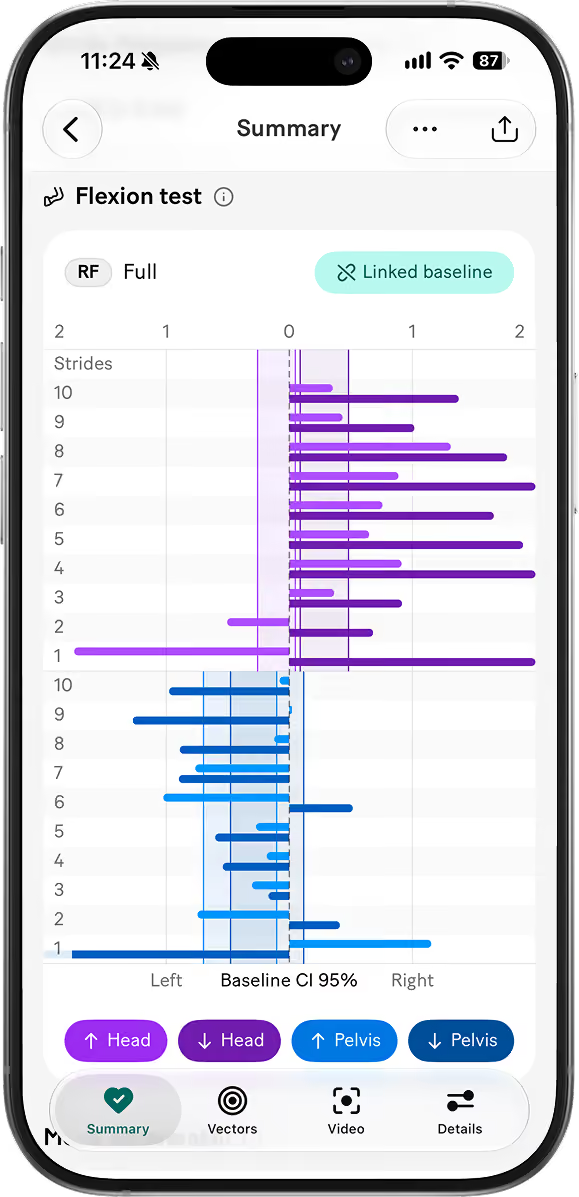
Record a baseline, mark the flexion test and review how asymmetry changes over the first ten strides. Multiple flexion tests in the same session can use the same baseline automatically.
Share results and collaborate on horses
Share analyses as a link or PDF, or share a horse with another Sleip user to collaborate on recordings, results and the horse profile.
Monitor horses remotely
Invite someone else to record the horse using the companion app. The invited recorder gets a limited view, while the full analysis results are sent back to your Sleip account.